The Audio Mixing Assistant was added in Shotcut 26.11
The Audio Mixing Assistant is a tool to give the user a quick start to an audio mix on their timeline. It also implements audio ducking as keyframes on a gain filter if they choose to accept that recommendation.
The tool is launched from the Edit menu in the Timeline which opens a dialog. To start, assign an audio role to each track: dialog, background music, ambiance, etc. You can also specify the target program loudness for the main mix.
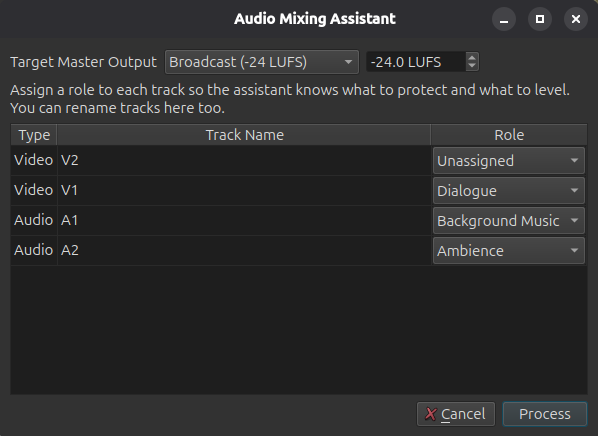
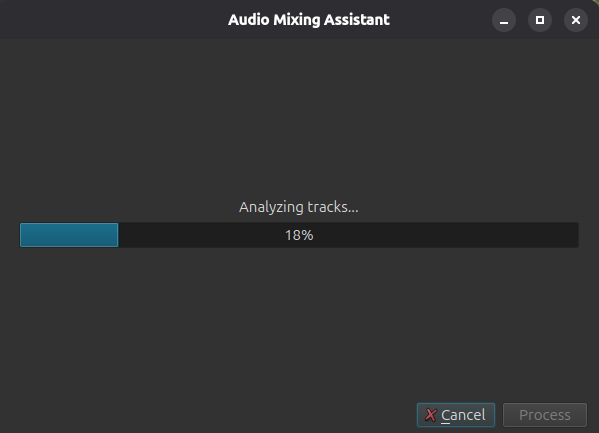
After clicking Process the tool scans the audio on all the tracks.
Based on the track audio role, the tool recommends filters to be applied to each track.
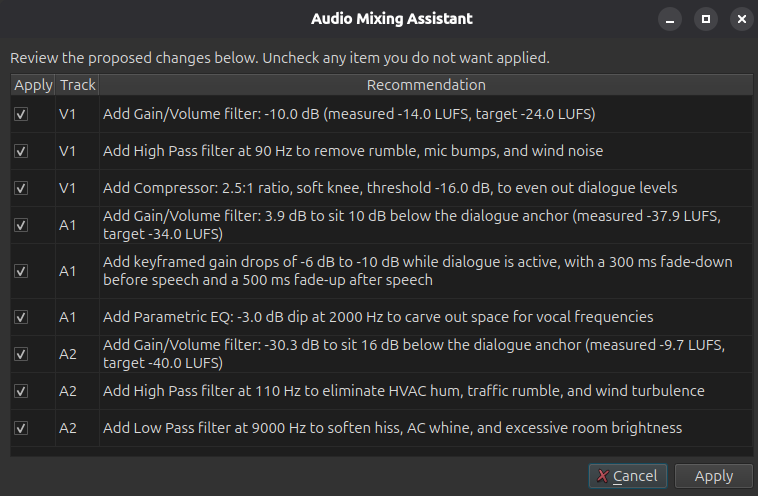
Here is the full list of possible recommendations:
Dialogue
- Adjust gain to match the target loudness level.
- Remove low-frequency noise to improve clarity.
- Even out volume fluctuations for consistent intelligibility.
Background Music
- Set base level to sit beneath other audio elements.
- Lower volume when dialogue is present.
- Cut mid-range frequencies to make space for dialogue.
Ambience
- Set a subtle level that supports without competing.
- Remove low-frequency rumble for a cleaner background.
- Soften high frequencies to reduce harshness.
Sound Effects
- Balance impact while keeping dialogue and music clear.
- Eliminate low-frequency rumble to prevent masking.
- Lower volume when dialogue is active for clarity.
Premixed Program
- Adjust gain to match the target loudness level.
The user can read each recommendation, and then select the ones they want to apply. Clicking Apply will cause the filters to be added. to the tracks.
Even if multiple filters are created, the operation makes one undo operation
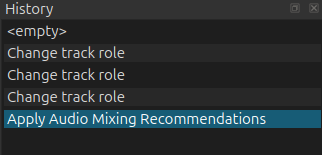
Filters that are created are tagged as being applied by the assistant so the user can be reminded later why the filter is there: (The yellow box in the screenshot is a tooltip popup, not a fixed banner)
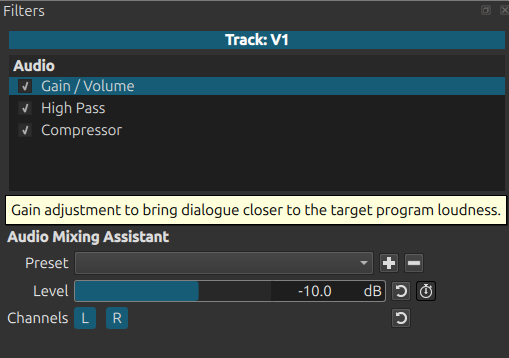
If the assistant is run a second time, any audio assistant filters are removed and new ones are added. So they do not accumulate after multiple runs.
This tool is based on simple rules and creates static filters (some use keyframes for ducking).