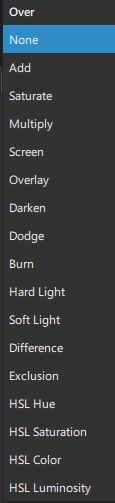
That could mean you already have an alpha channel in your source. Choose the default Source Over if you simply want basic alpha channel compositing. On the other hand, if your clip does not have alpha channel but it does have a black or white background those modes have not really changed; see the docs below. There was never a way to chroma key a green or blue background without using a chroma key filter.