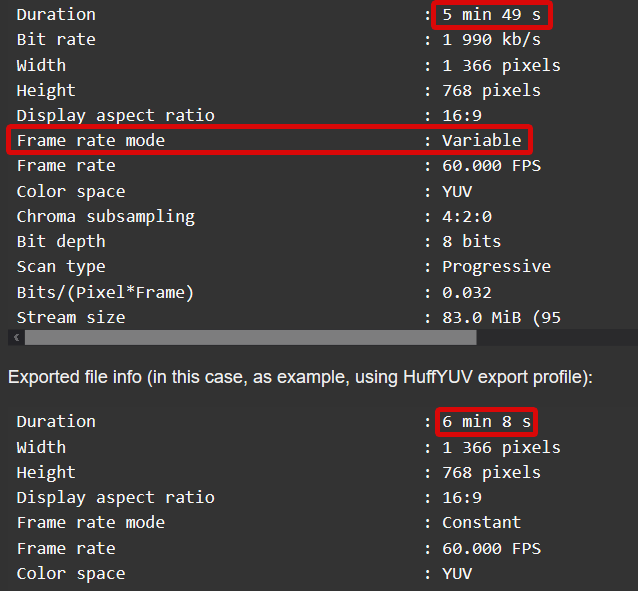
This might be expected using variable fps footage.
Change settings or find a recorder that records with constant frame rates.
As you can see Shotcut padded the video with extra frames to make up for the variable fps.
Shotcut does not export a variable FPS.
Shotcut tries to detect variable fps media, in an attempt to have you convert it using Edit-Friendly, which may resolve the issue you’re having. You may have seen this pop-up when you opened your video in Shotcut.
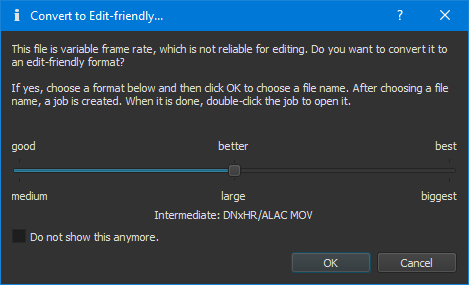
Use this converted version in place of your original file for your project.
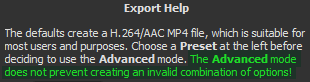
Best to start off with the default export settings, don’t enter advanced. If you change settings in Advanced you’re going to have unexpected results based on what you change. There is a warning explaining this before entering into Advanced mode.