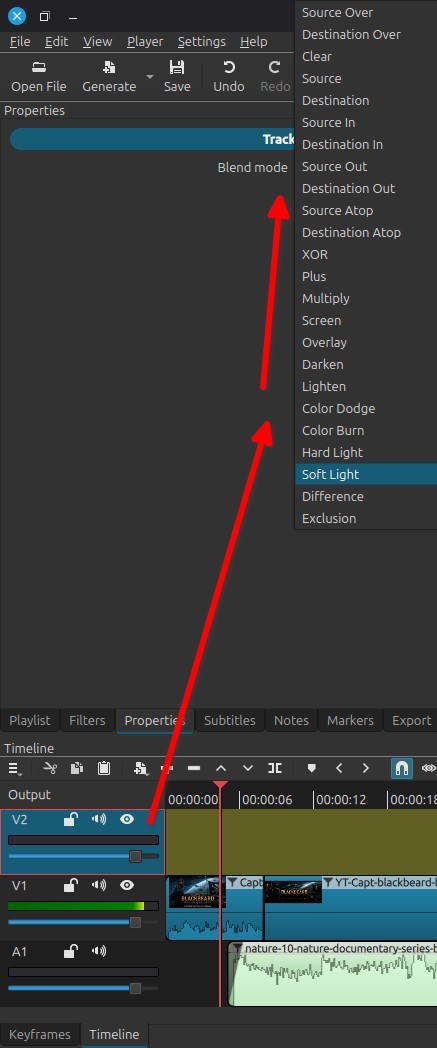
I was thinking of a adjustment layer to come in shotcut roadmap, it would be much helpful when we have a lot of tracks created to make a scene in the middle of the whole video, eg- 30 tracks and want to just apply some color grading on the scene. But as of now, we can just apply the filters to each track (on the specific clips used to make a scene). Applying filter to the whole track, or a master track wouldn’t work in this case. But a adjustment layer can be cutted for a specific length and it also can save too much time. And a apply button would be helpful for those, who want to apply all the filters to the clips.
The best time to release it will be, with track reorder. So that we can change the position of it anytime.
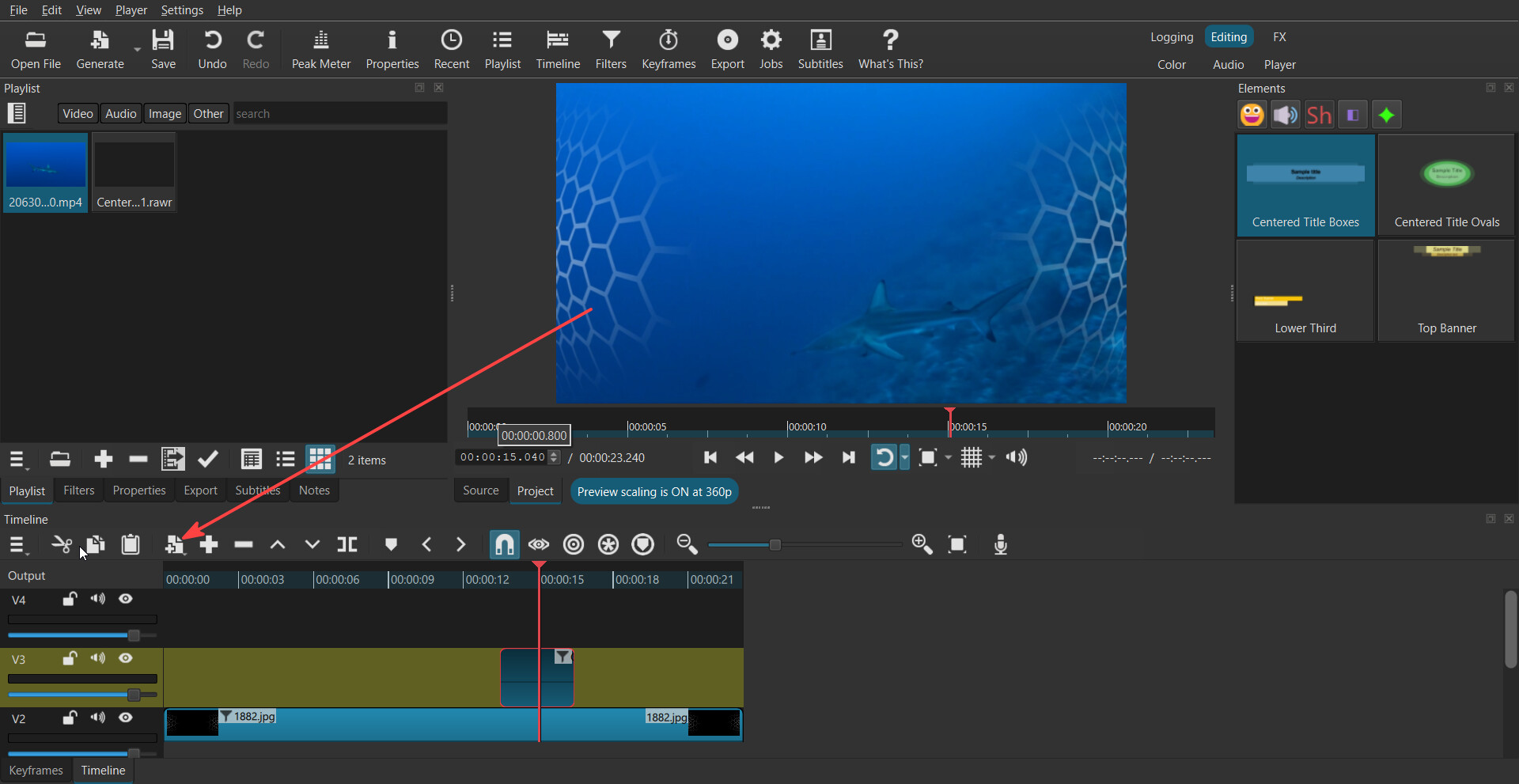
Added Timeline > Generate > Adjustment Clip. This is a dummy video clip that contributes no video.
Instead, its filters apply to the composite of all video tracks below it.
You do know about the Generate button on the Timeline toolbar right?