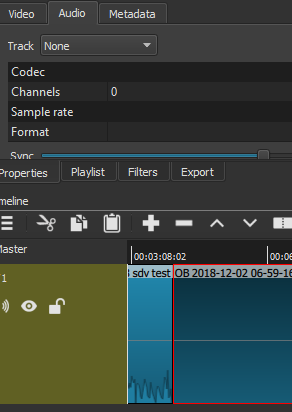
Maybe you have tried various files, maybe not.
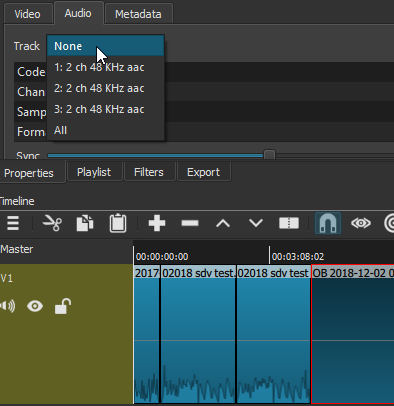
Click on the 2nd file in your timeline, and go to Properties.
Shotcut only recognizes 1 audio track (2 channels) per video file. If you have 2 audio tracks, track 1 perhaps muted, while track 2 contains all of your audio, try switching to track 2 in this selection. By default on a Video file, track 1 audio is always selected.
I have the audio set to none, and the waveform goes away.
And if there is no audio at all, this is what will display