I don’t think it’s so obvious but to cover it I’ll say that in your project there are areas where there is no image.
Your video track (Prapthi) has video clips (and muted audio) at various points in the project. By placing the Shotcut player head over them, some image should appear in the Shotcut viewer.
In the areas I have marked in red there is no picture-video.
There is only video in the areas marked with green arrows.
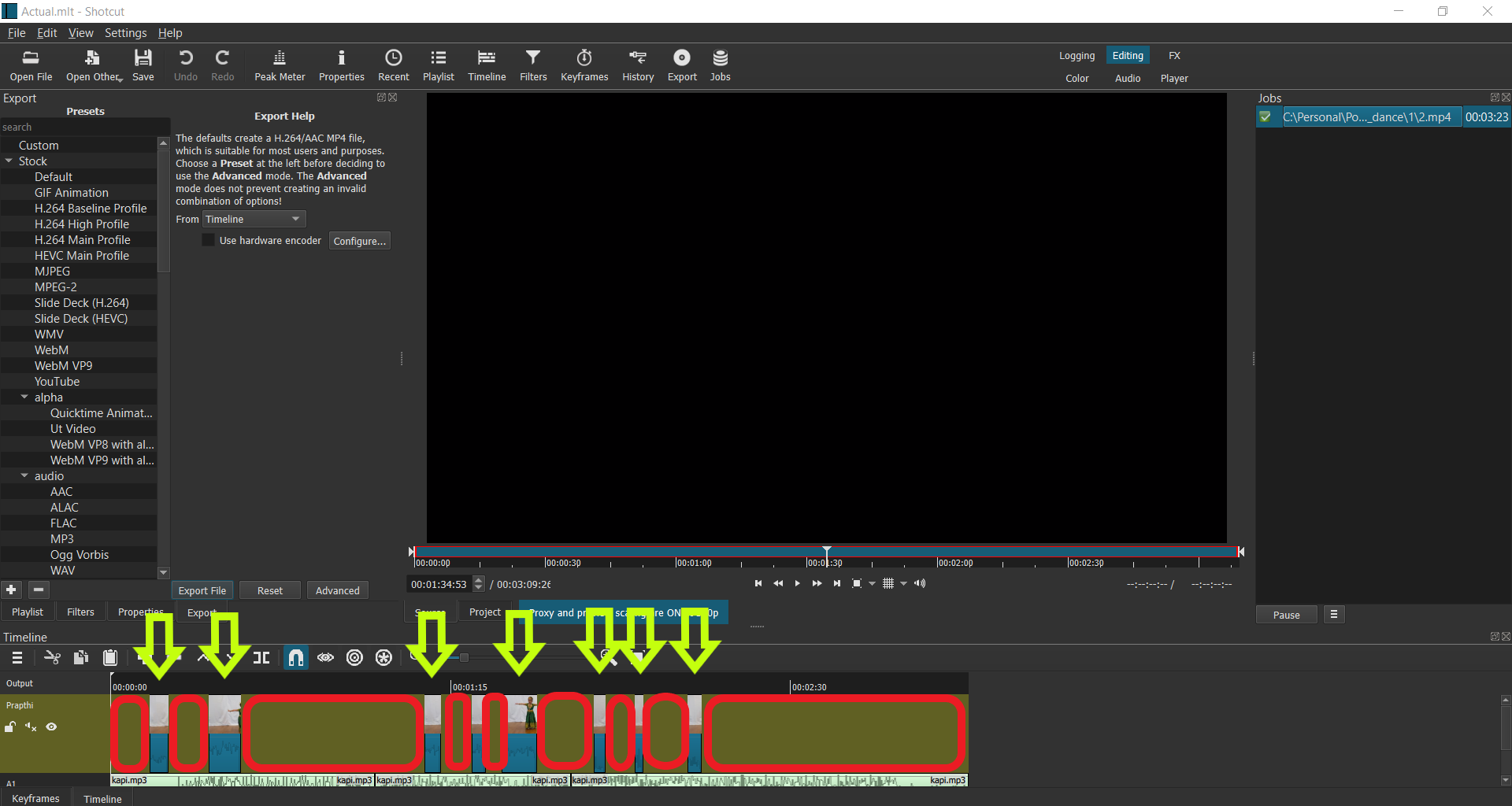
If there is no content in the video track, you will hear the music of the audio track (A1) and the black screen.
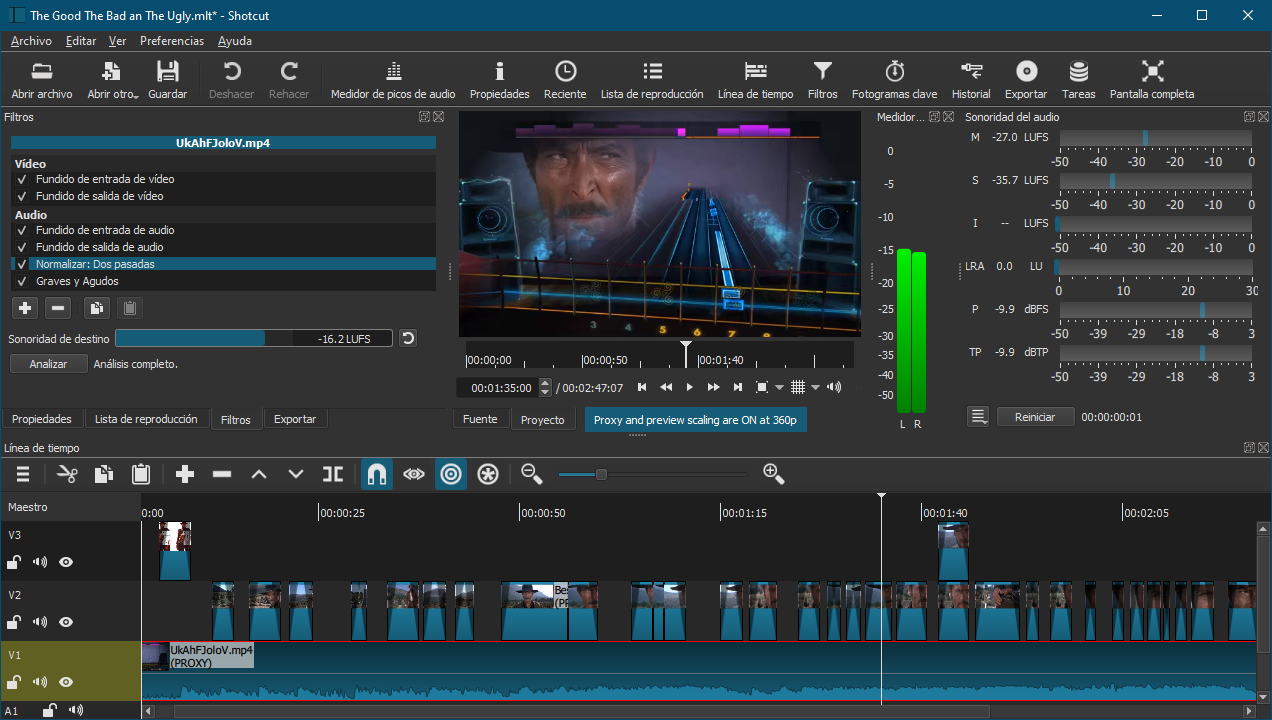
Here’s a snapshot of one of my projects.
In the viewer you can see the content of the two video tracks (V1 and V2) where V2 is the moustache cowboy (inside a fuzzy ellipsoid mask) on the bottom of the track V1