project file.mlt (105.4 KB)
Environment
- Windows 10 22H2
- Shotcut 26.09.27
Description
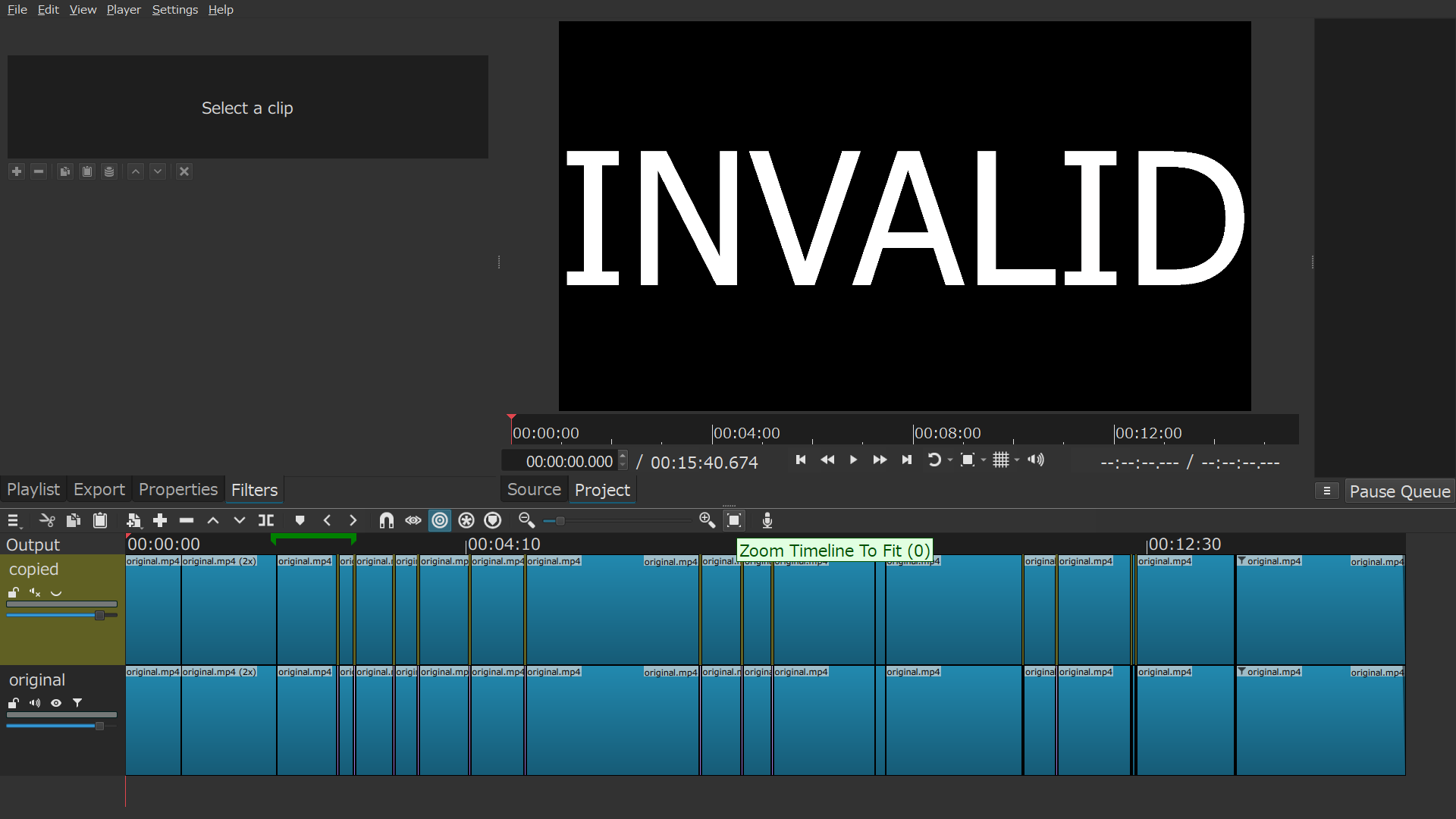
When I copy and paste multiple clips on the timeline, the pasted clips do not keep the same arrangement as the original. Their positions shift unexpectedly.
After testing, it seems that this issue occurs when the selected clips contain two or more dissolves. In that case, the copy-and-paste operation does not work correctly.
This behavior did not occur in previous versions of Shotcut.
On July 25, I reported a bug titled “Bug with dissolve on copied track”, and it was fixed in this version. Could this new issue be a side effect of that fix?
Yes, that fix caused this. Sorry about that. This is fixed for the next version 26.11
Thank you, Leader.
I greatly respect the development team’s technical expertise, your willingness to keep improving Shotcut through continuous releases, and your persistence in tracking down and fixing bugs.
I am looking forward to the next version. Keep up the great work!
Copy incomplete..mlt (306.8 KB)
Thank you for sharing the link, Leader.
I tested it, but it seems that further fixes are still needed.
When I created four dissolve transitions and copied them, they were duplicated correctly and matched the original transitions.
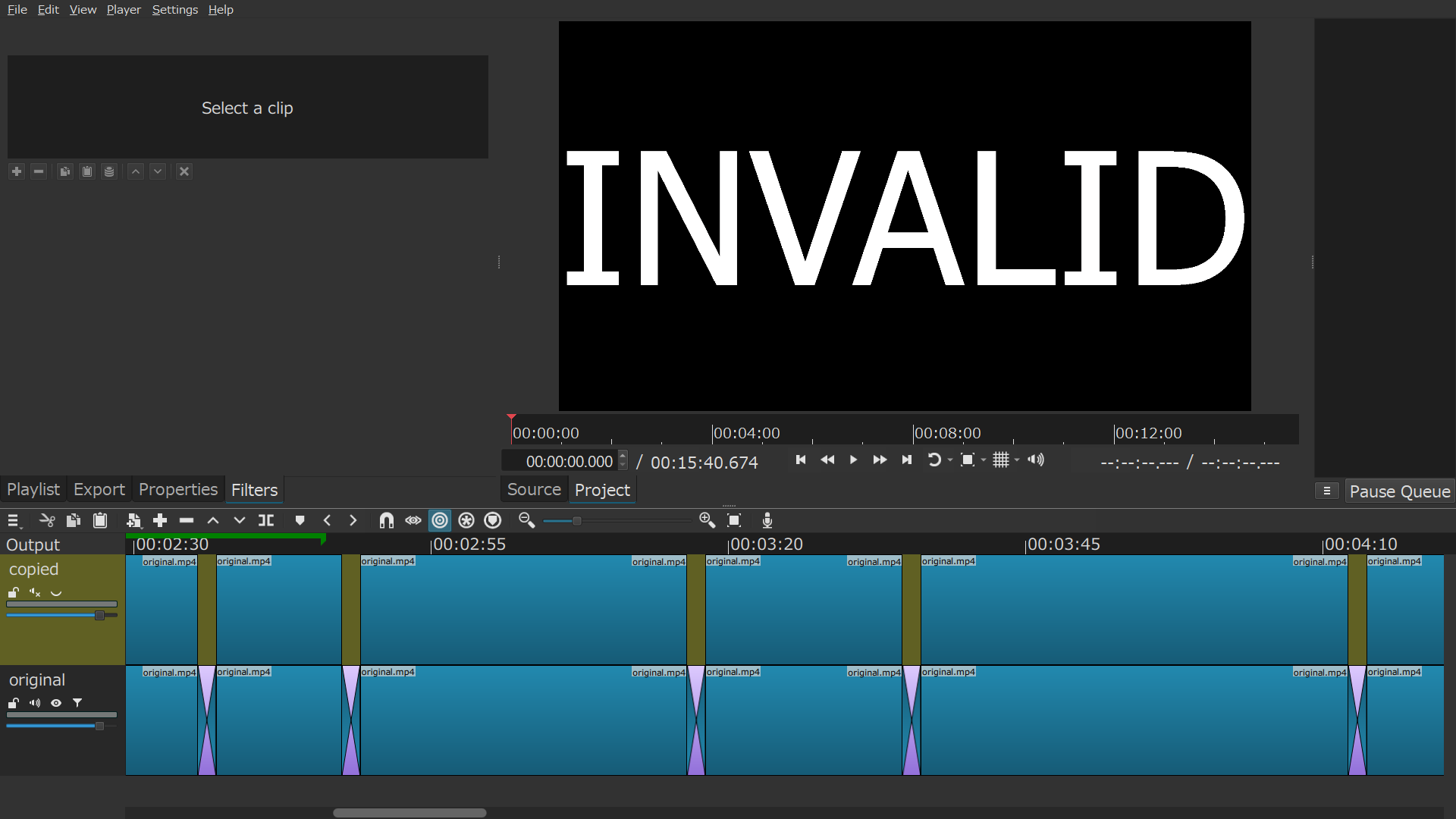
However, when the track becomes more complex, the duplication is only partially successful.
I’d like you to test it with the attached project. As shown in the image, the dissolve sections become blank after being copied.
That said, compared to version 26.09.27, a great deal of progress has been made in fixing these bugs, and I sincerely appreciate the development team’s efforts.
I would be grateful if you could also look into fixing this remaining issue.
I will continue investigating the cause of this bug, and if I can identify what triggers it, I will report my findings here.