

Overview
A LUT (Look-Up Table) filter is a color-grading effect. It acts like a mathematical formula or a translation table that automatically changes the color, contrast, and brightness values of pixels in your video to create a specific visual style or fix flat, washed-out footage. A LUT is defined by an external file created by another tool or, more often, downloaded from the Internet. For example, many camera manufacturers provide LUTs to download to convert from their proprietary logarithm-based brightness curve (so called “log format,” “profile,” or “footage.” Shotcut accepts LUT files in the following formats:
3dl(AfterEffects)cube(most popular, originally from Iridas)dat(DaVinci Resolve)m3d(Pandora)csp(cineSpace)
Usage
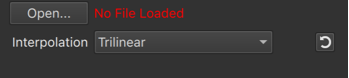
- Click Open to choose a LUT file.
- When it was successfully applied “No File Loaded” changes to show the LUT file name,
- Adjust Interpolation as needed; Tetrahedral might be better than Trilinear but slower; Nearest is only good for preview if your computer is very slow at Trilinear.
Adjust the intensity of the LUT (3D) filter
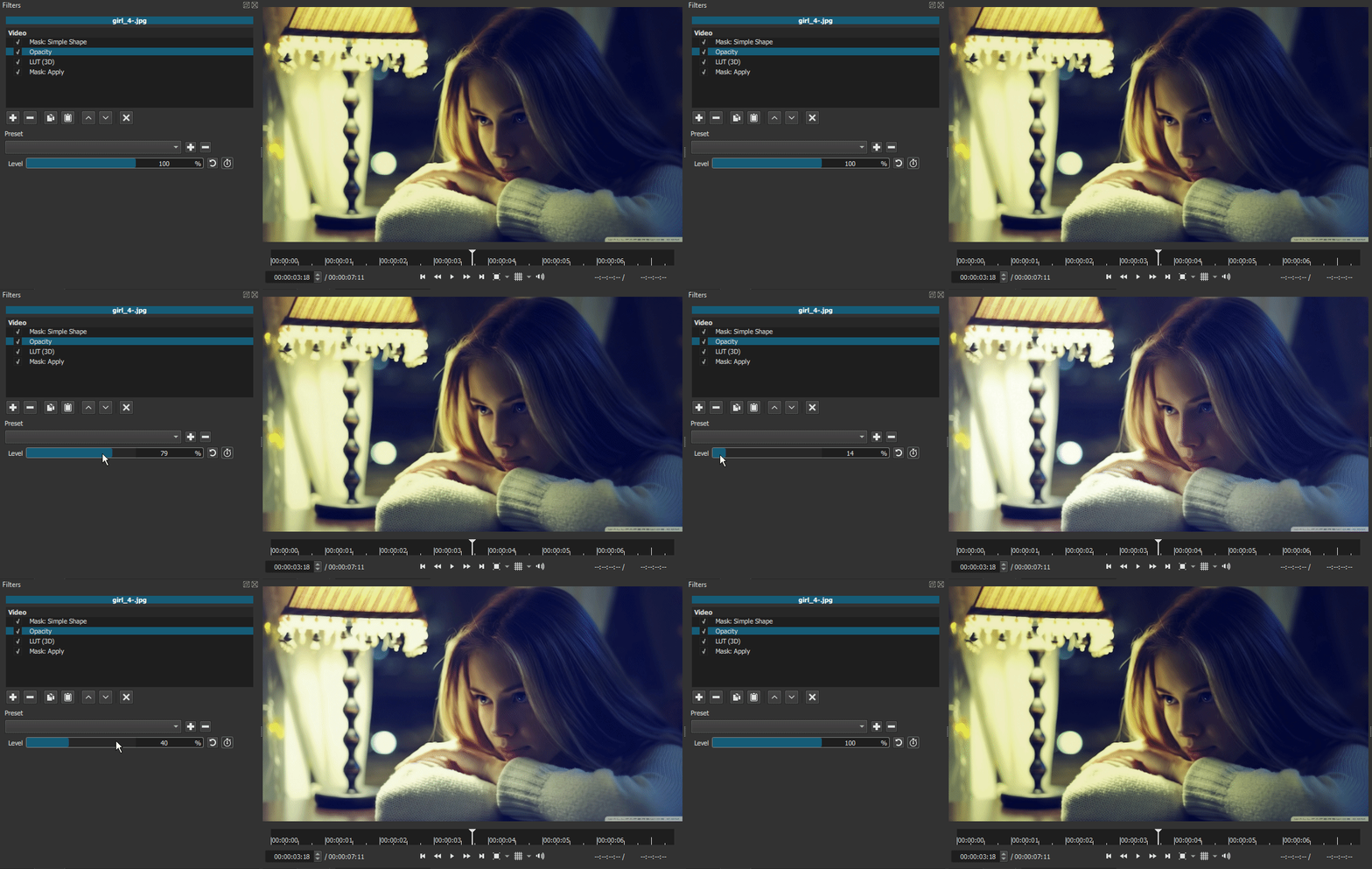
You can reduce the intensity of a LUT (or any other filter) using filters in this order
- Mask: Simple Shape with Width and Height = 100%
- Opacity (here is where you adjust intensity, including with keyframes)
- LUT (3D) (or other filters)
- Mask: Apply
Properties > Video > LUT
There is also a LUT field in the properties for a video clip (but not image, image sequence, glaxnimate, or generators). This is useful for colorspace or gamma conversion LUTs when Settings > Processing Mode is set to Linear 10-bit CPU because the LUT filter will be operating in linear color. The LUT property runs before the conversion to linear color.