

Choosing Image/Video from HTML from the menu File > New or a toolbar New Generator button shows presets/templates in Properties:
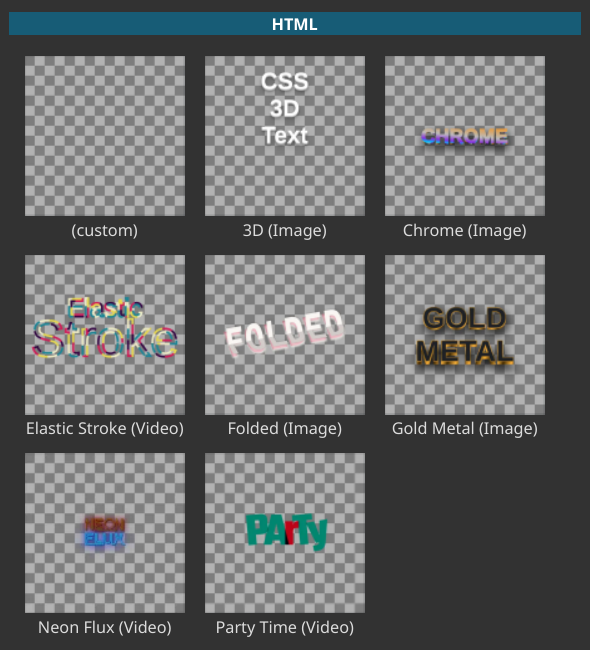
Choosing a preset that is a template shows a UI similar to below but also with some fields such as Line 1, optionally up to Line 3. Enter your custom text. You can use the hint in the template name to click either Generate Image or Generate Video.
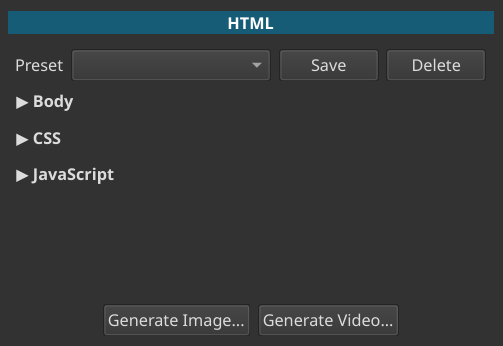
Choosing (custom) shows a form like this:
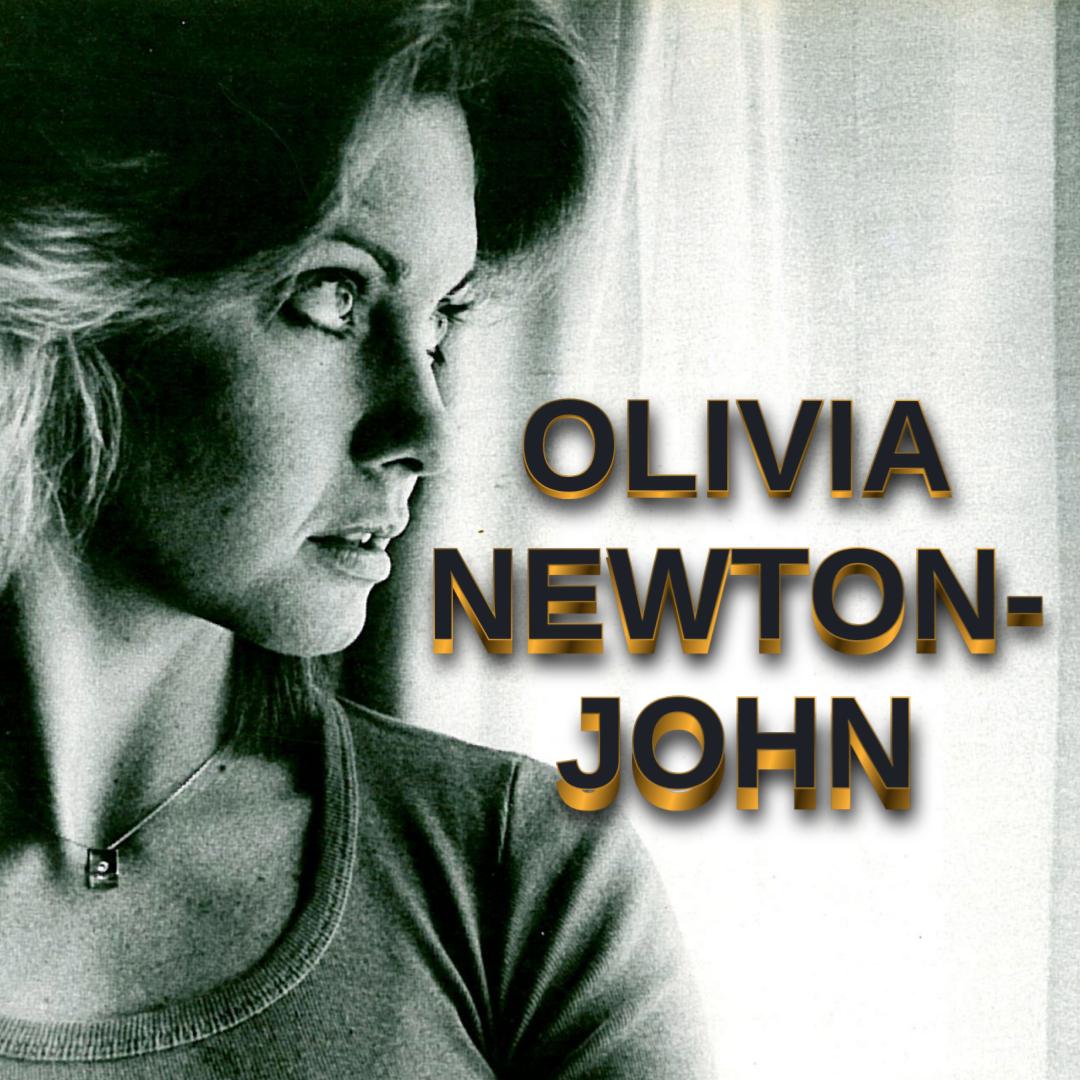
This can be used to create something like the text in this image:
Expand each section to show a show text box where you can enter or paste each block of code.
Notes
- This requires Google Chrome or Chromium.
- It was added in version 25.10
- Please see the stock Presets for examples.
- It defaults to a transparent background!
- The stock presets also demonstrate a template facility for up to 3 lines of text. You can make your own templates by using
%1,%2, or%3as placeholders in the Body field. - Expand each section to reveal a text input box.
- Body means the
<body>tag. Shotcut generates the full HTML. (You can include<script>blocks inside the body if you find the need to.) - It is designed to make it easy to copy from codepen.io, but Shotcut does not include pre-preprocessors for things like SCSS or TypeScript. Therefore, in codepen.io click the V button in the top right corner of the edit block to choose View Compiled before copying.
- This does not support WebGL or embedded video.
- Generate Video is limited to 15 frame-per-second for performance reasons. A somewhat modern or fast computer and SSD hard drive are recommended.
- Generate automatically opens the result in the Source viewer so you can preview it with its HTML for revising if needed. Once you add it to Playlist or Timeline, Properties now reflects the image or video and no longer shows the HTML inputs.
- This is not available in the Linux Flatpak.
See Resources filtered to the HTML tag to get more ideas.
A Note Regarding Animation and Video
The animation cannot be recorded properly frame-by-frame because the web APIs lack that comprehensively. There is something called Web Animation API that does support that but requires coding the animation a certain way that is limiting and does not work with the vast majority of things on codepen. So, this works like a low performance screen recorder. If you need something with higher frame rate and consistency you need to use a web browser and a screen recorder. However, then you must use a background color and chroma key, which is not nearly as good as true alpha and lacks translucency. So, Generate Video in Shotcut is a compromise. You can slow down the animation in Shotcut’s Properties > Speed if you want and can even correct some of the timing with a time filter. Or, simply use the image option and you can do some other animation in Shotcut or Glaxnimate.